
Exam Toolbox
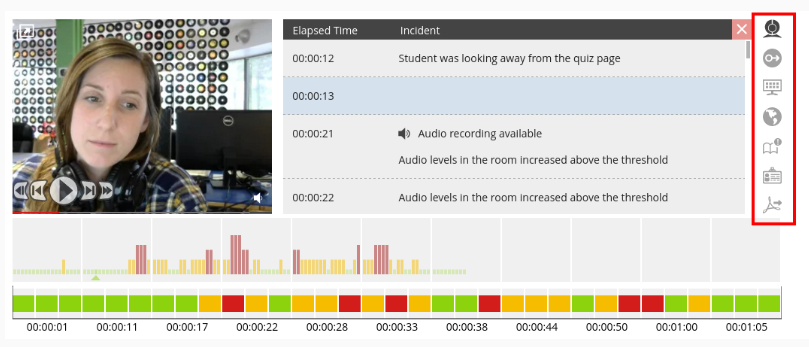

The exam toolbox controls the display of the information in the Exam Information component of the exam video player.
Clicking on an icon will toggle its respective view on or off. The Exam Information window displays the test taker's screen recording by default. If Record Screen is not enabled, the default display is the Incident Log.
These buttons control the information display on the video player. The default view is the incident table.
| Button | Description |
  |
|
  |
|
  |
|
  |
Display geo location information |
  |
Display professor annotations |
  |
Display ID card and verification frame |
  |
Display PDF export |
Comments
Please sign in to leave a comment.