
Directly below the navigation bar is the action button menu. The action buttons are used by selecting one or more activities then selecting the action you wish to perform.
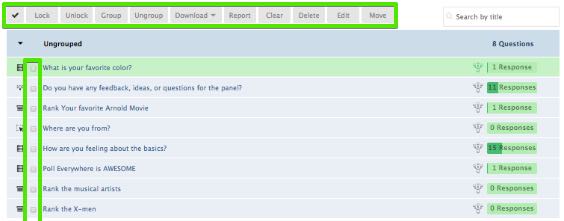
Note: The exact appearance of your action bar will vary depending on the size of your monitor. If your screen is not large enough to display the full action button menu, you will see an ellipsis button on the right end. Clicking the ellipsis button will reveal the hidden commands.
For more information check out the articles below:
Comments
Please sign in to leave a comment.