
Launching a Poll
- Start the scheduled Zoom meeting that has polling enabled.
- Select the Polling option in the menu bar.

- Select the poll you would like to launch.
- Click Launch Poll.

- The participants in the meeting will now be prompted to answer the polling questions. The host will be able to see the results live.

- Once you would like to stop the poll, click End Poll.
- If you would like to share the results to the participants in the meeting, click Share Results.

Participants will then see the results of the polling questions.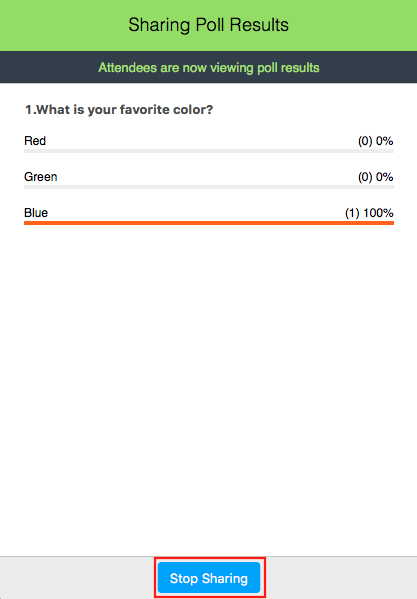
Comments
Please sign in to leave a comment.